Photo editing,
fast and free on macOS
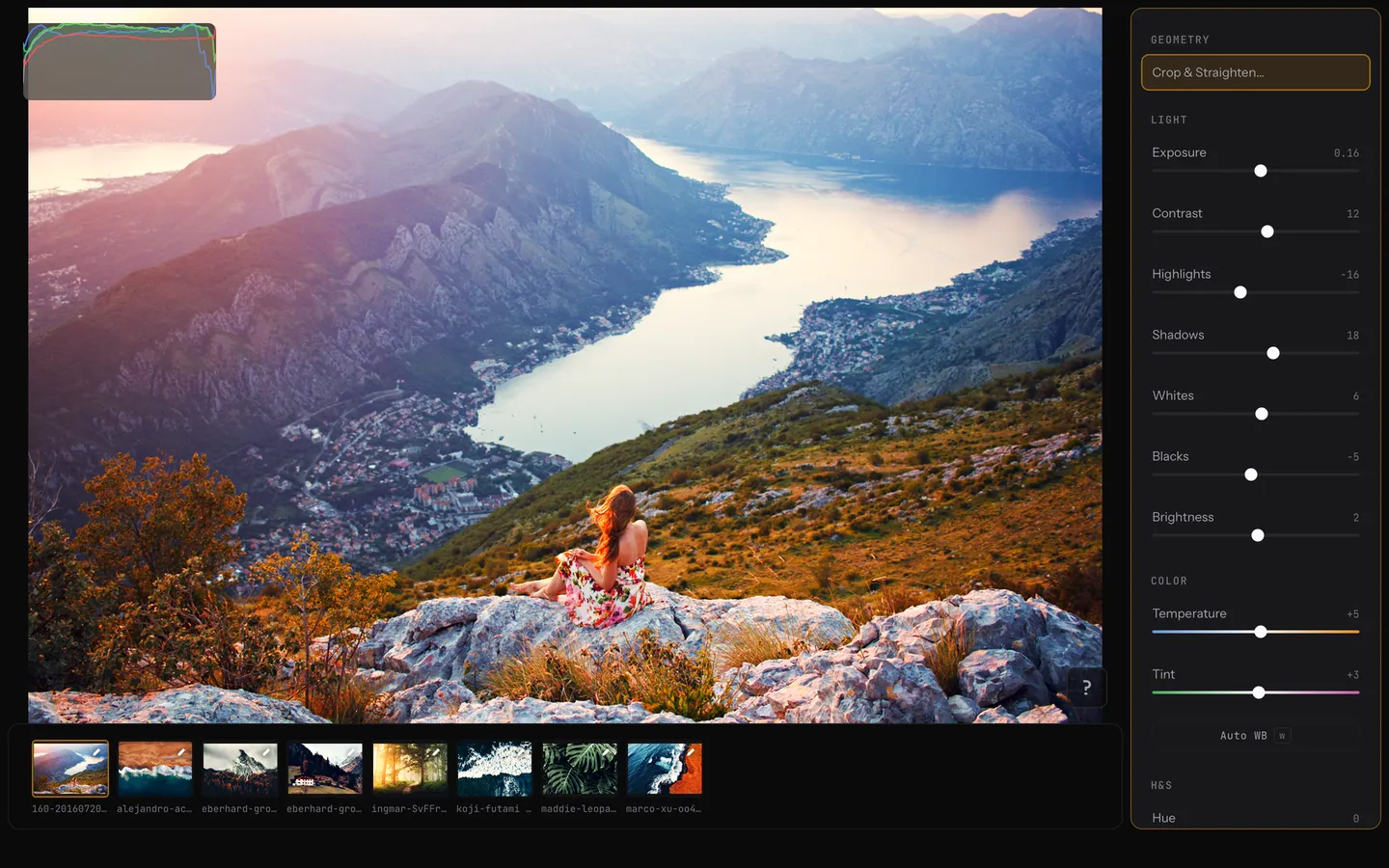
Keyboard-driven workflow. Pro-grade color tools. No subscription, no account, no cloud — your photos stay on your machine.
Features
Pro tools. Fast workflow. No subscription.
Pro color grading
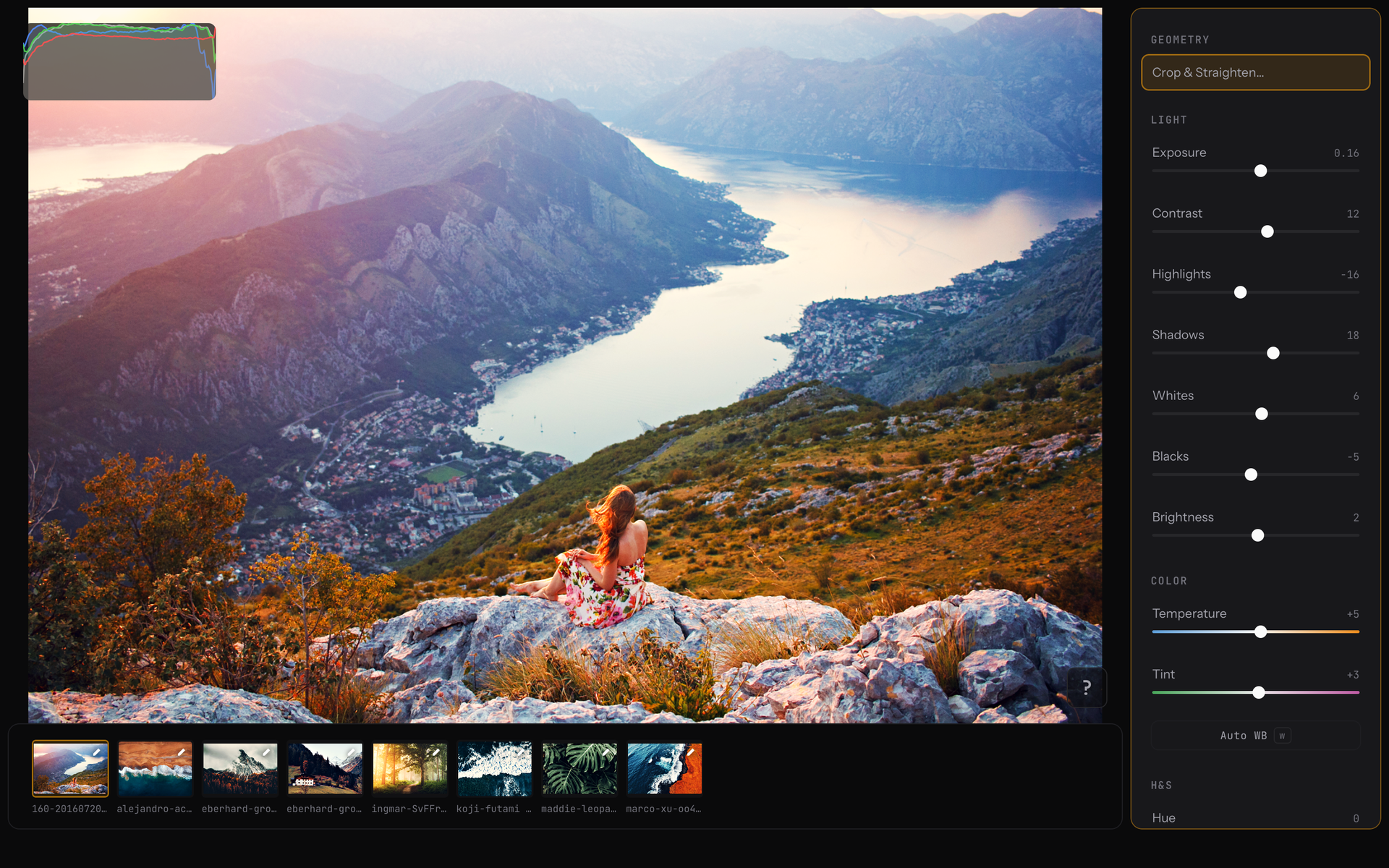
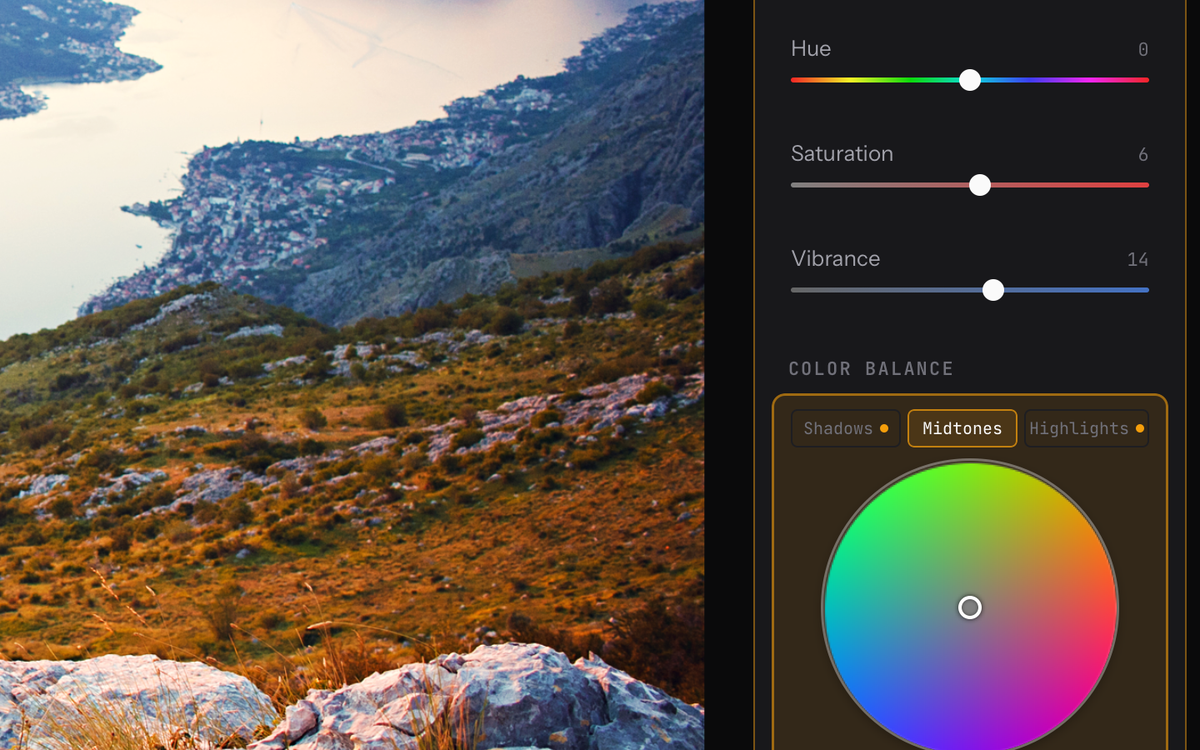
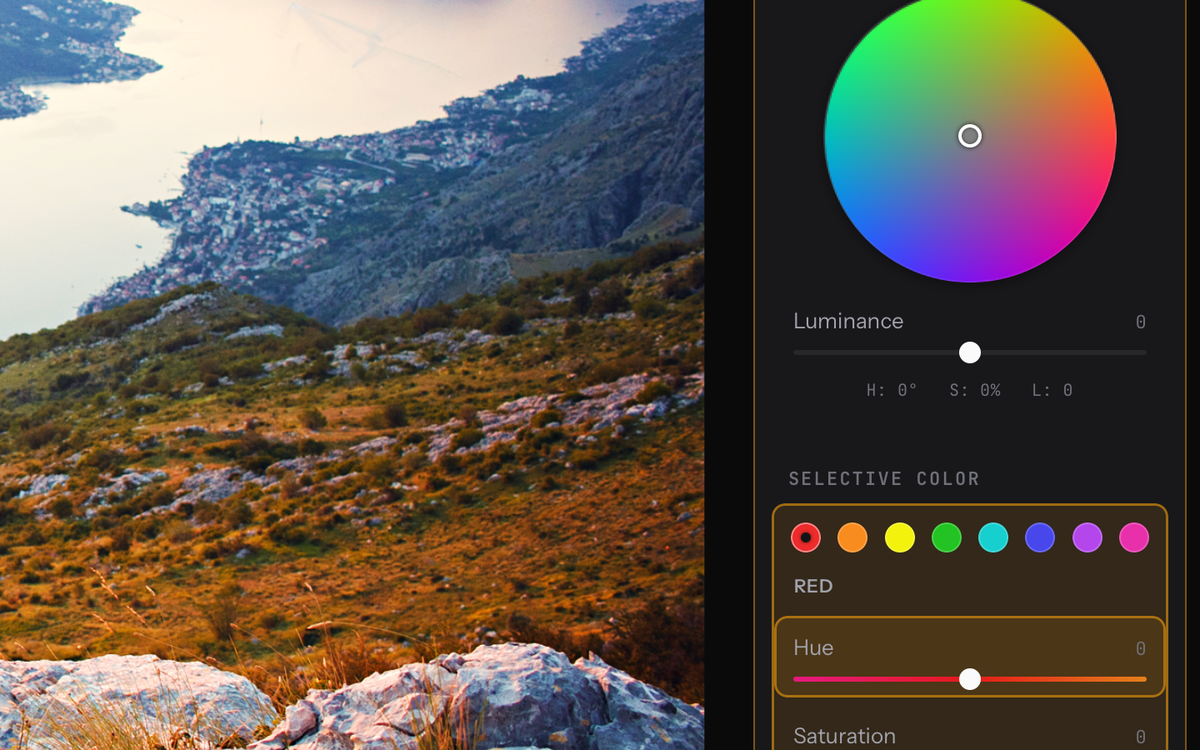
A 3-way Color Balance wheel for shadows, midtones, and highlights, plus an 8-channel Selective Color mixer. Every control is keyboard-navigable and fully mouse-friendly.
Batch workflow that scales
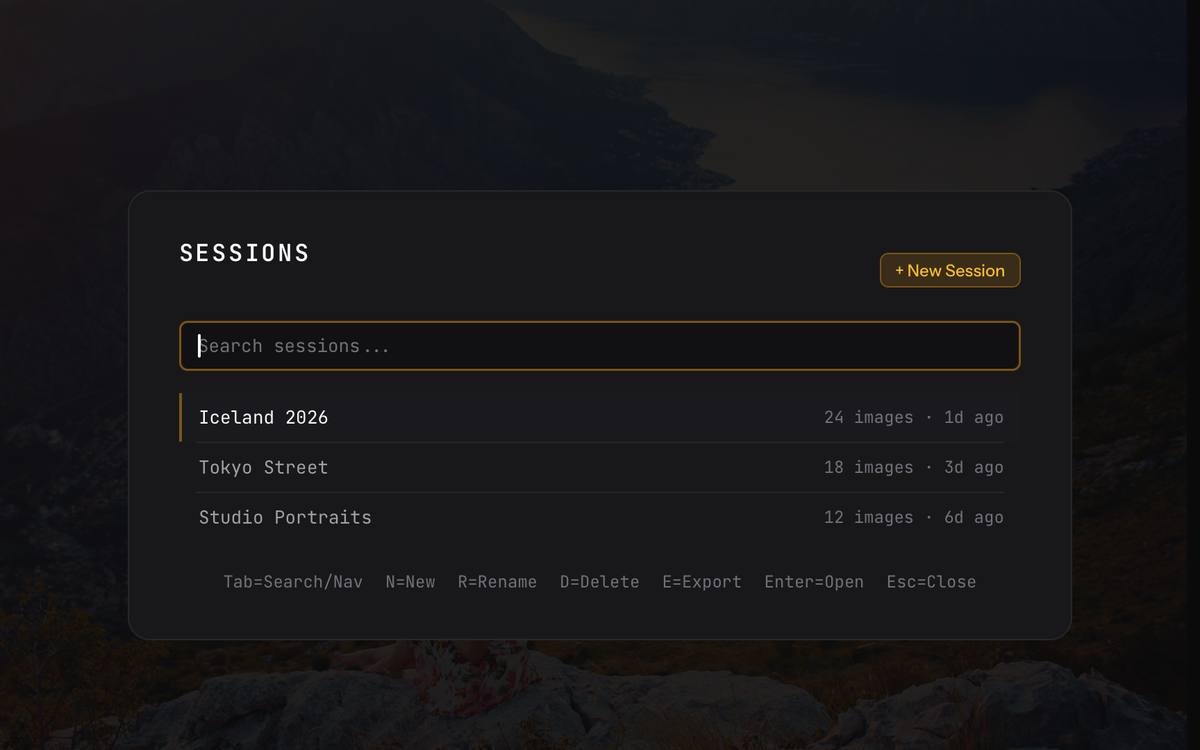
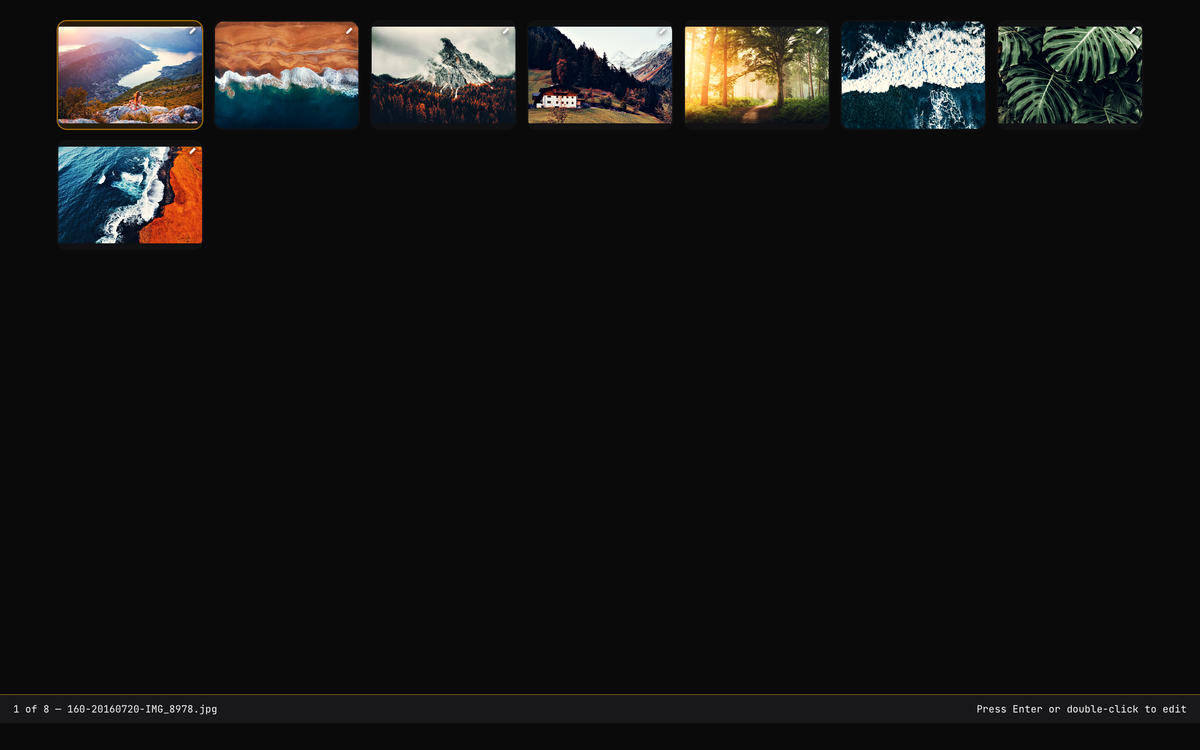
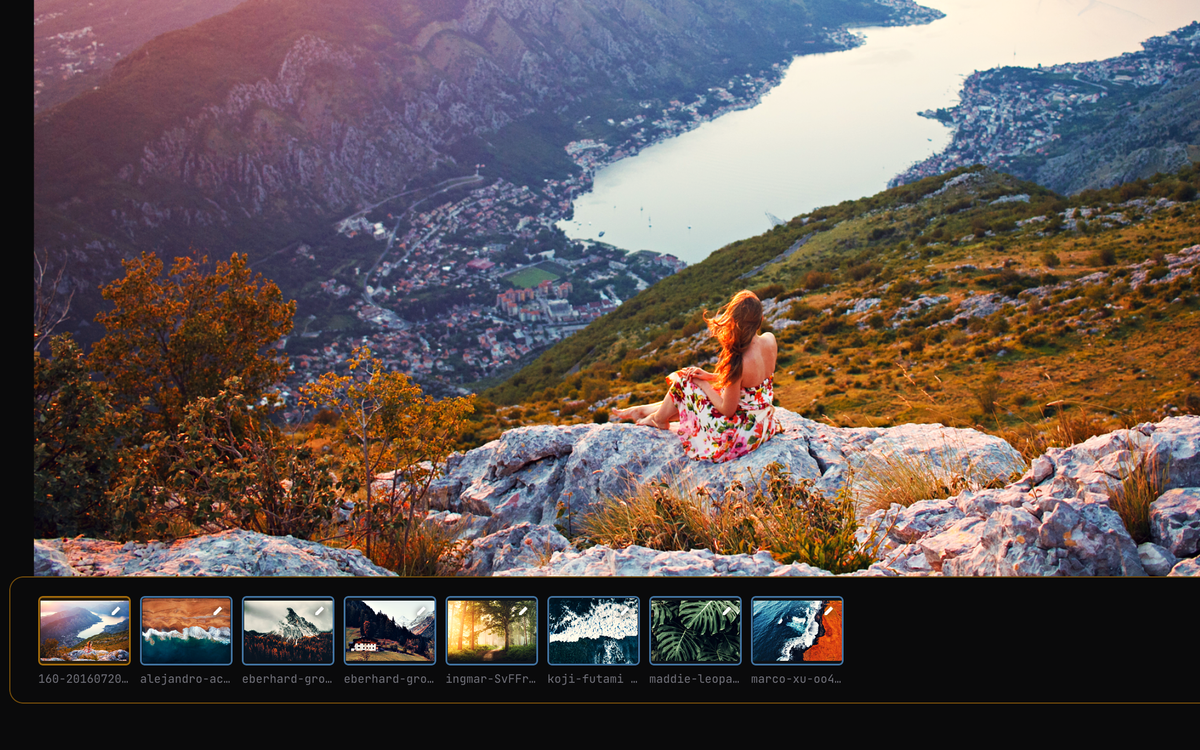
Edit a whole shoot in one session. Save persistent Sessions with s, copy edits with y, multi-select with Shift or ⌘-click, then paste across the batch with p.
Detail & image quality
Bilateral denoise, film-style grain, texture, clarity, and sharpening — all computed in the same non-destructive pipeline. Your originals are never touched.
Geometry & lens correction
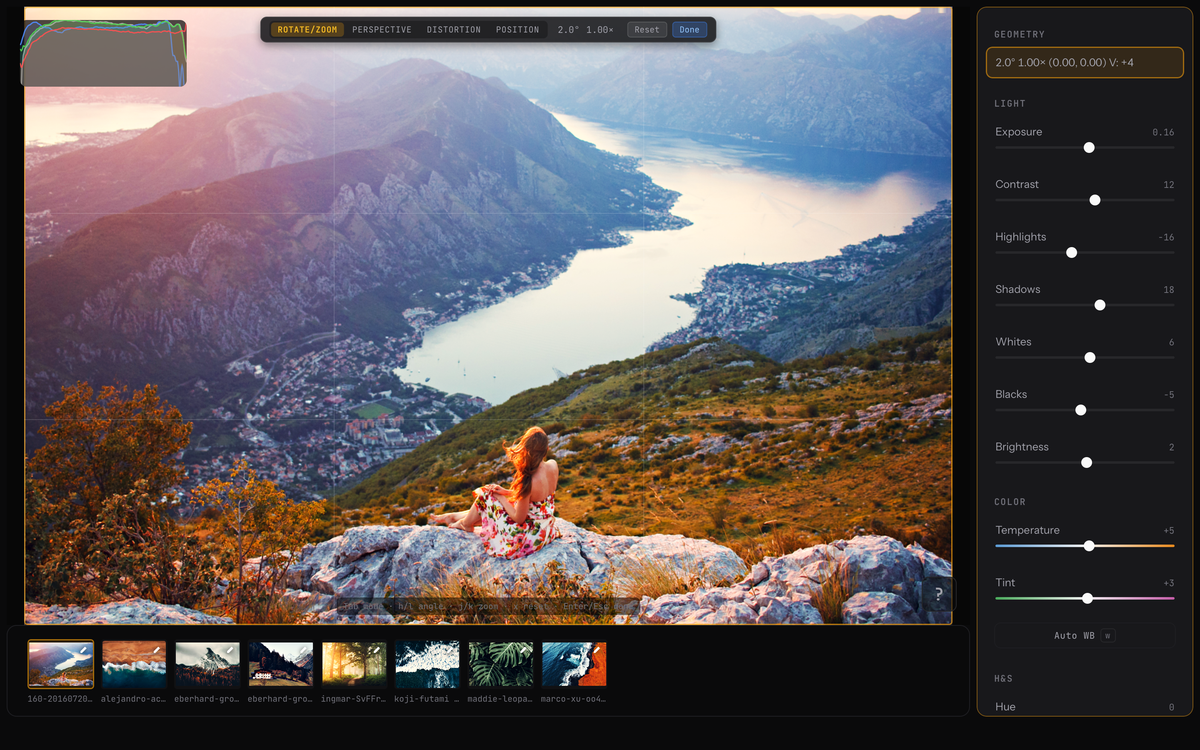
Crop, straighten, correct perspective, and remove lens distortion. Press g for the on-canvas overlay; Tab cycles rotate, perspective, distortion, and position modes.
Keyboard-first, mouse-friendly
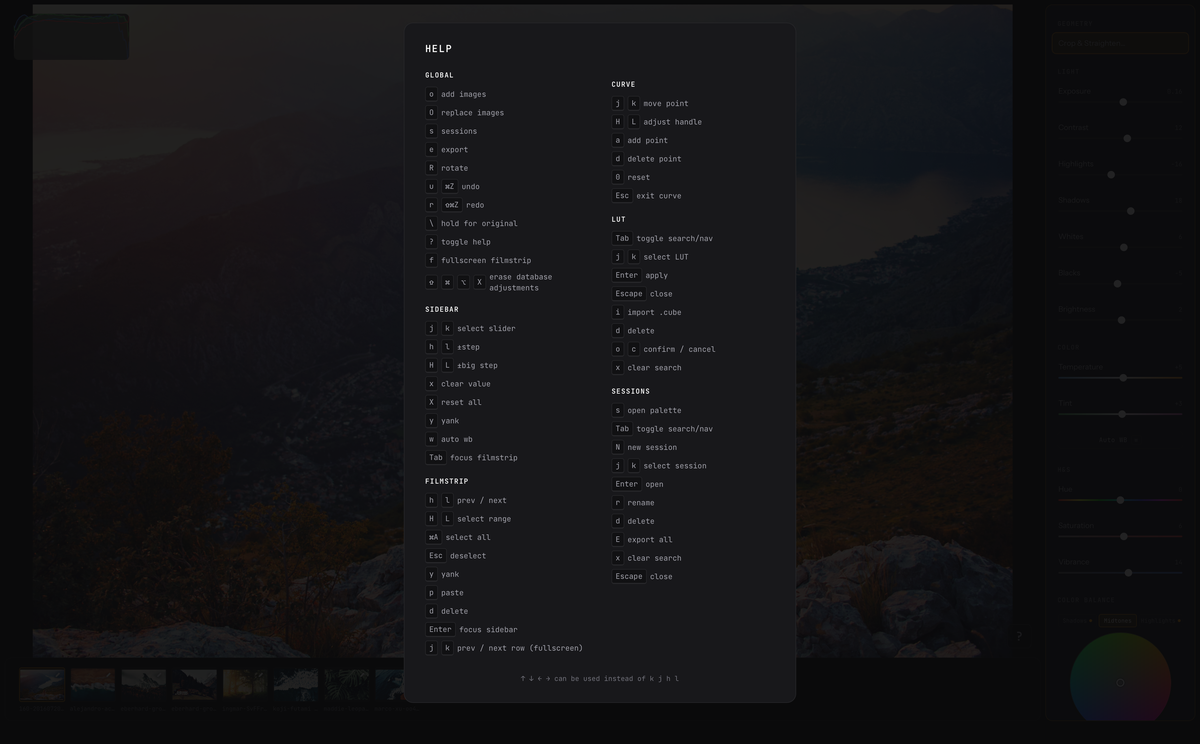
Navigate with jk, adjust with hl, and use count prefixes (5l) for big jumps. Undo, redo, and a full shortcut reference at ? — or just grab the mouse.
Free and fully local
No subscription, no account, no cloud. Download and start editing. Your photos and edits never leave your Mac, and the original files stay untouched.
Workflow
Your hands never leave the keyboard
A modal system keeps the flow going as you move between the adjustment sidebar, the filmstrip, the color wheels, and the geometry overlay. Every step also works with the mouse — the keyboard is just faster once you learn it.
Open or resume
Press o to add files — a session is created automatically. Press s to jump back into a saved session. JPEG, PNG, WebP, TIFF and more.
Navigate & adjust
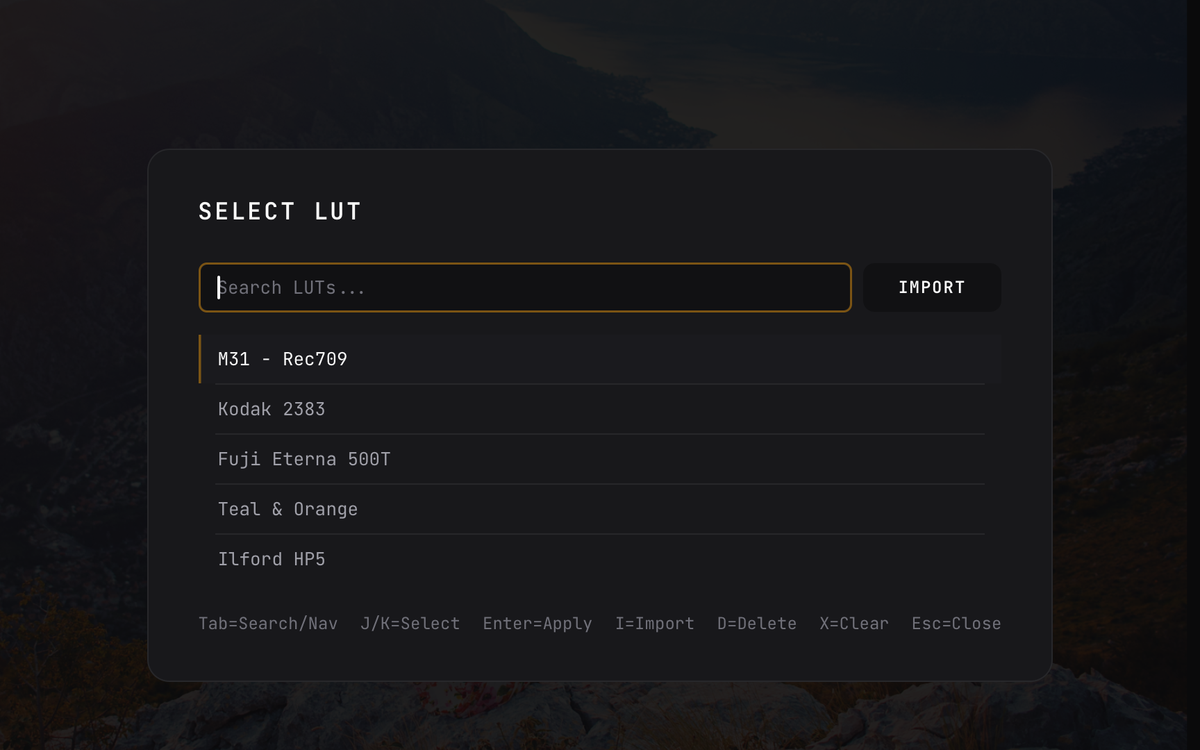
j/k move through Light, Color, H&S, Detail, Denoise, Grain, and LUT. h/l for fine steps, H/L for coarse. Count prefixes work — 5l adds 5. Clear one slider with x, reset all with X.
Grade color
Move to Color Balance or Selective Color and press Enter. Shape shadows, midtones, and highlights on the wheel, or target individual hues. Esc returns to the sidebar.
Fix geometry
Press g for the on-canvas geometry overlay. Tab cycles rotate/zoom, perspective, distortion, and position. Enter commits your crop and straightening.
Batch apply
y copies every adjustment from the current image — curves and color grading included. Select a batch with H/L or Shift/⌘-click, then p to paste everywhere.
Compare & export
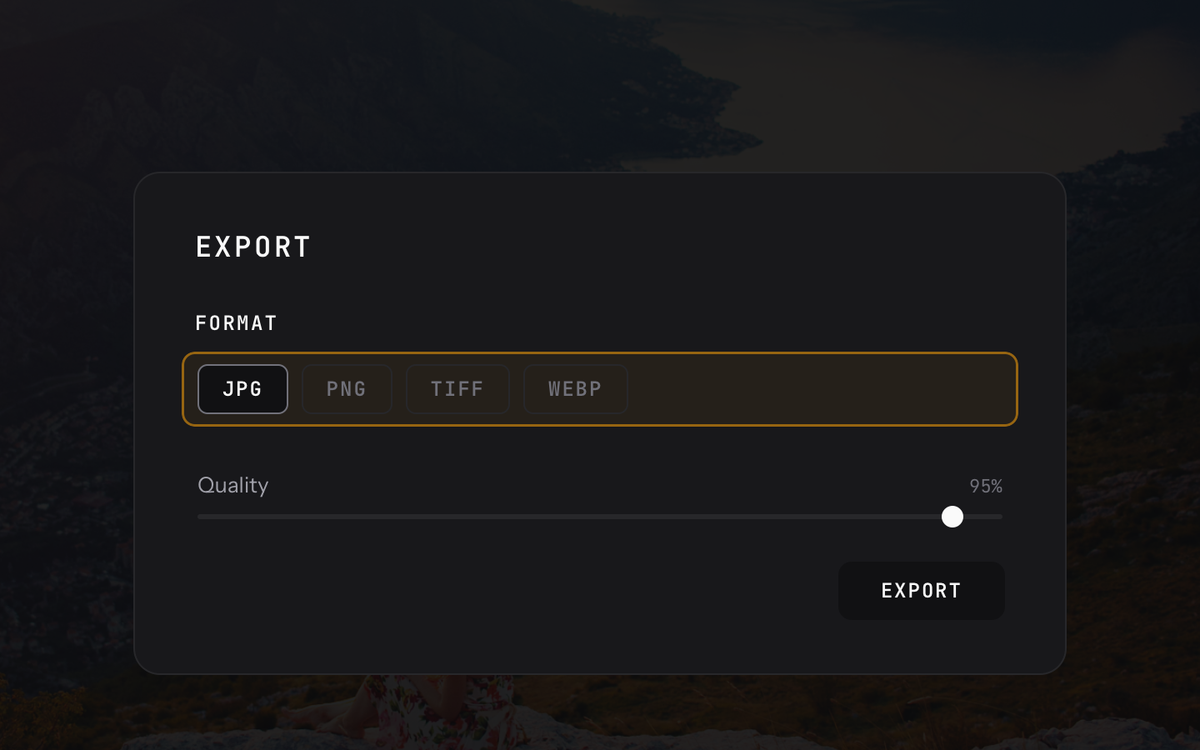
Hold \ to see the unedited original, release to return. Press e to export the active or selected images with a live progress bar, preserving EXIF metadata.
Gallery
See it in action
A look at the tools you'll actually reach for — color grading, geometry, sessions, and batch edits.

Under the hood
Fast by architecture, not by accident
A Darktable-style non-destructive workflow, without the complexity.
Updates
Be the first to know
We'll email you about major releases and updates.